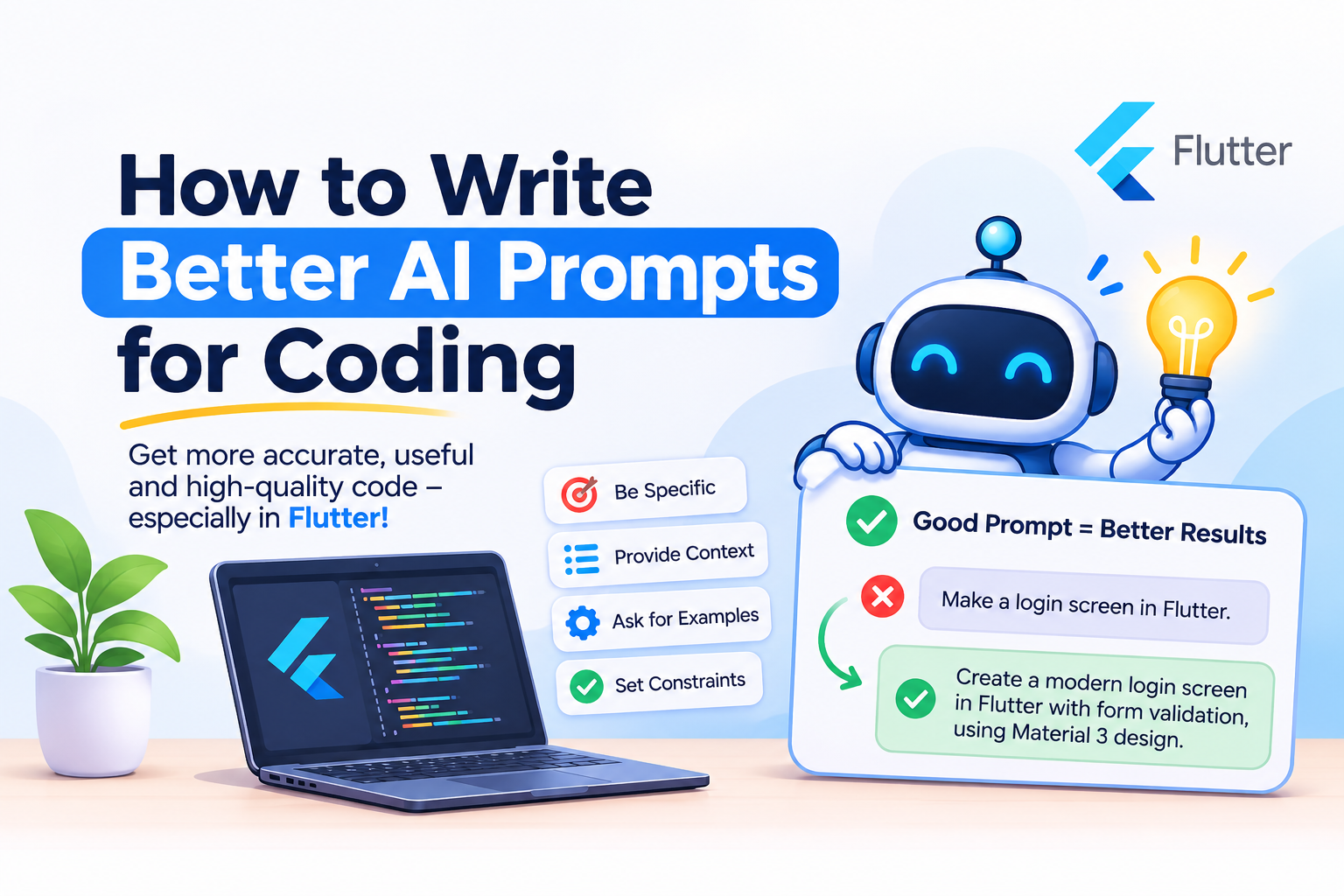
1. The Big Idea
AI is a fast and helpful teammate. But it does not know your goal, your users, or what “good”
means for your project.
A prompt is how you share that. The clearer you are, the better the help you get.
And here is the best part: the more you understand programming, the better your prompts
become. Knowing what to build, what is wrong, and whether the result is good enough is your
skill. AI cannot replace it. It makes that skill faster.
Weak prompt: “Fix the login.”
AI has to guess. Fix what? A crash? The design? The speed?
Better prompt: “After login, users see a blank screen for 3 seconds. Show a loading indicator,
then open the home screen.”
Same AI. Same effort. Very different result.
2. Why Your Programming Knowledge Still Matters
- You decide what to build and why. AI does not know your users or your business. You
do. - You judge the result. AI can sound confident and still be wrong. Someone who
understands the work catches it quickly. - You grow with it. Every answer you read and understand makes you a stronger
developer. Use AI as a teacher, not only as a shortcut.
3. A Simple Four-Part Prompt Formula
| Part | Ask Yourself | Example |
|---|---|---|
| Outcome | What should happen when this is done? | “User taps Pay, sees a success message, and gets a receipt.” |
| Problem | What is happening now? | “Right now, the screen shows nothing for a few seconds.” |
| Rules | What must stay the same? | “Keep the current design. Follow the style of the project.” |
| Done Means | How will we know it works? | “The old flow still works and nothing else breaks.” |
The formula: Outcome + Problem + Rules + Done Means
You don't need all four every time. Even two make a big difference.
4. Before and After: Better Coding Prompts
Example 1: Fixing a Problem
Weak: “The app is slow.”
Better: “The product list feels slow when it has many items. Find out why, fix it without changing how it looks and explains what was slow.”
Example 2: Adding a Feature
Weak: “Add search.”
Better: “Add a search box to the product list. It should filter as the user types and look like the other screens.”
Example 3: Improving Code Quality
Weak: “Make the code better.”
Better: “Make the payment part easier to read. It must work exactly the same as before.”
Example 4: Learning a Project
Weak: “Explain this project.”
Better: “I am new to this project. Explain in 10 simple lines how tapping the Buy button saves an order.”
5. Seven Prompting Techniques That Work
- Describe the result first. Say what the user should see or what should happen. Then
let AI suggest how. - Set clear boundaries. Say what must not change. For example, “Don't touch the
design.” This keeps the work safe and focused. - Ask for a plan first. Try: “Before changing anything, tell me your plan in 5 lines.” You
stay in control of big changes. - Follow the existing project style. Say: “Do it the way this project already does similar
things.” The result feels consistent with your codebase. - Ask for an explanation. Try: “Tell me why this happened and what you changed, so I
can learn from it.” You get the fix and the knowledge. - Ask AI to double-check. Say: “After the change, verify that nothing else is broken.”
- Invite questions. Say: “If anything is unclear, ask me before you start.” Good
teammates do this too.
6. Work in Small Steps
Your first prompt does not need to be perfect. Build like this:
- “Add a favourites button to the product page.”
- “Good. Now keep the favourites saved when the app is closed.”
- “Now show a friendly message when there are no favourites.”
- “Now check everything once and tell me what could still go wrong.”
One step at a time is easier to follow, easier to review, and easier to learn from.
7. Six Common Prompting Mistakes to Avoid
- Being too vague. “Make it better” means nothing. Say faster, simpler, safer, or cleaner.
- Asking for too much at once. “Build the whole app” can produce a messy result. Focus
on one task at a time. - Setting no boundaries. If you don't say what to protect, AI may change it.
- Skipping the review. You are the final reviewer. Read what changed before you keep it.
- Skipping the learning. If you don't understand an answer, ask AI to explain it in simple
words. - Sharing secrets. Never type passwords, API keys, or customer data into a prompt.
8. Quick Checklist Before You Send a Prompt
- Did I say what I want to happen?
- Did I say what is wrong right now?
- Did I say what must not change?
- Did I say how I will know it works?
- Will I read and understand the result before using it?
Conclusion
Good prompts are not magic words. They come from clear thinking, and clear thinking comes
from understanding your work.
AI makes a good programmer faster. It does not take away the need to learn, decide, and
create. Those stay with you, and they are what make your work valuable.
Try it today: Take one task you were about to describe in a few words, rewrite it using the
four-part formula and compare the answers. Then ask AI to explain one thing you did not
understand
- By Amresh Pal